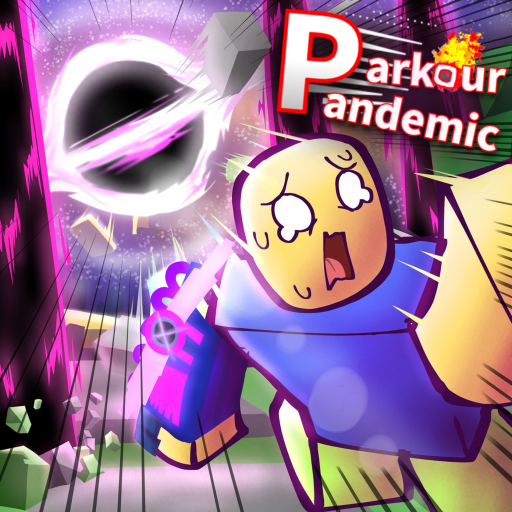
ParkourPandemic
First-session guide

Parkour Pandemic Beginner Guide (July 2026)

Learn the official movement controls, the two-minute disaster loop, Volts and Gear basics, and a source-safe first-session plan for Parkour Pandemic.

Checked July 16, 2026Facts separated from reports
Quick answer

What to know first

Parkour Pandemic runs two-minute disaster rounds. Learn Q Dash, C Slide, and double-Space Double Jump before buying Gear with Volts. Survive first, then choose Speed Gear for its wall action or Power Gear for its named active actions; exact prices and stats are not published in the checked official description.

Before you start

Requirements and known limits

Account
A Roblox account
Platform
PC, mobile, or console
Round length
Two minutes (official description)
Before Gear
Practice the three base movement actions
Step by step

Follow the source-safe route

Use the live beta as the final authority whenever a current screen differs from a dated guide.

  1. 1. Join the official experience

    Use the Roblox link on this site and verify the creator is Rxinen Projects. The live experience is the authority for beta changes, prices, and prompts.

    Tip: Avoid look-alike experiences by checking the place URL and creator name.

  2. 2. Make base movement automatic

    On PC, press Q to Dash, C to Slide, and Space twice to Double Jump. Practice each input separately before chaining them; these moves apply regardless of which disaster or Gear appears.

    Watch out: The official description does not publish mobile or console button mappings. Follow the live on-screen prompts on those platforms.

  3. 3. Read the disaster before committing

    Official badges confirm Meteor Rain, Tornado, Tide Surge, and Black Hole. Keep more than one escape direction and treat community routes as dated examples, because the beta can change maps and hazard behavior.

  4. 4. Use Volts with a clear role in mind

    The official copy says Volts buy Gear that provides buffs or different mechanics. It does not list prices or earning rates, so read the current in-game values instead of using a guessed farming table.

  5. 5. Add one Gear input

    Speed Gear is associated with Wall Boost by pressing Space near a wall. Power Gear adds R Air Blast and hold-Q Power Dash. Learn one new action without abandoning Dash, Slide, and Double Jump.

  6. 6. Review the failed input, not an invented tier

    After a loss, identify whether you missed a control, chose a dead-end route, or relied on an old tactic. Use the readiness planner to turn that observation into the next practice checklist.

Common mistakes

Avoid unsupported shortcuts

Buying from an old price list

Beta prices are not present in the official public description. Read the live interface.

Treating badge rates as personal odds

Badge award statistics combine many players and versions; they are not a survival formula.

Skipping base movement

A Gear-specific action does not replace the three controls available in every round.

Expecting permanent safe spots

No official route or safe-zone table was found.

FAQ

Direct answers

How long is a Parkour Pandemic round?

The official Roblox description says each disaster lasts two minutes.

What are the PC controls?

B opens Emote, Q is Dash, C is Slide, and pressing Space twice performs Double Jump.

What do Volts buy?

The official description says Volts buy different Gear that provides buffs or different mechanics.

Which Gear should a beginner choose?

Choose by the action you can use reliably: Speed has a listed wall action, while Power has Air Blast and Power Dash. Current public data does not support a universal numeric winner.

Next actions

Continue with the right page