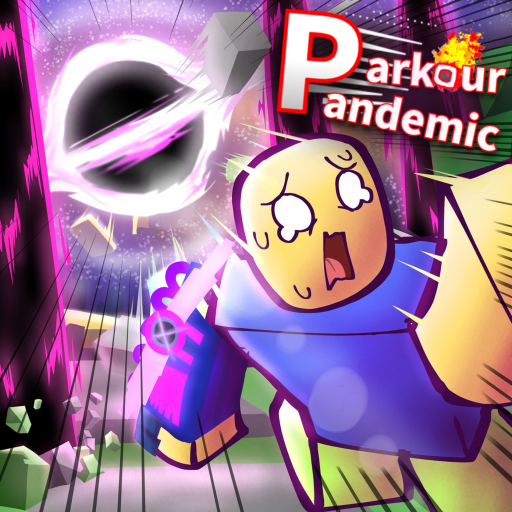
ParkourPandemic
Wiki hub

Parkour Pandemic Wiki

Use this hub for Gear, Volts, controls, disaster badges, and the source boundaries that matter during the beta.

Quick answer

Start with Gear, disasters, or controls

Every current topic is tied to a named action, official badge, public Gear profile, or stated game system. Missing rates, maps, cooldowns, and formulas stay clearly marked.

Speed Gear has Wall Boost, Boost Gear has a buffed Dash and shorter cooldown profile, Power Gear has Air Blast and Power Dash, and the Black Hole badge names Fusion Gear as its reward.

Volts buy Gear, and public profiles report Speed, Boost, and Power prices. Read the live beta screen before spending because earning rates and beta values can change.

Core systems

Start with the topic family that matches the job

A useful wiki hub should move players toward a decision, not leave them in a directory.

Gear and Volts

Compare Speed, Boost, Power, and Fusion Gear, then read what Volts officially buy and which earning-rate details remain unpublished.

Disasters

Open badge-backed pages for Meteor Rain, Tornado, Tide Surge, and the Black Hole Fusion Gear reward path.

Movement controls

Separate Dash, Slide, Double Jump, Wall Boost, Air Blast, and Power Dash before a two-minute round.

Wiki topic pages

Open a specific disaster or supporting system

These pages keep narrow lookups separate while the main Gear and Disasters hubs provide the fastest starting point.

Player routes

Common next moves

  • Need to survive a disaster? Practice controls, then build a readiness checklist.
  • Need to choose Gear? Compare confirmed actions, public price evidence, and the live Volts screen.
  • Need Fusion Gear? Prepare for Black Hole and check the official badge award.
FAQ

Wiki questions

What is the Parkour Pandemic wiki for?

It organizes the confirmed Gear, Volts, controls, disaster, badge, and update information for the next in-game decision.

Should every topic become a separate wiki page?

Focused pages cover each named Gear and three survival badges, while broader hubs keep unknown or thin topics together.

Where should I go after this wiki hub?

Use Gear, Disasters, or Controls, then open the readiness planner or a focused badge page.

Next actions

Use the fastest page for the decision

The cards below connect broad wiki lookups to the player task pages that usually solve the problem faster.